












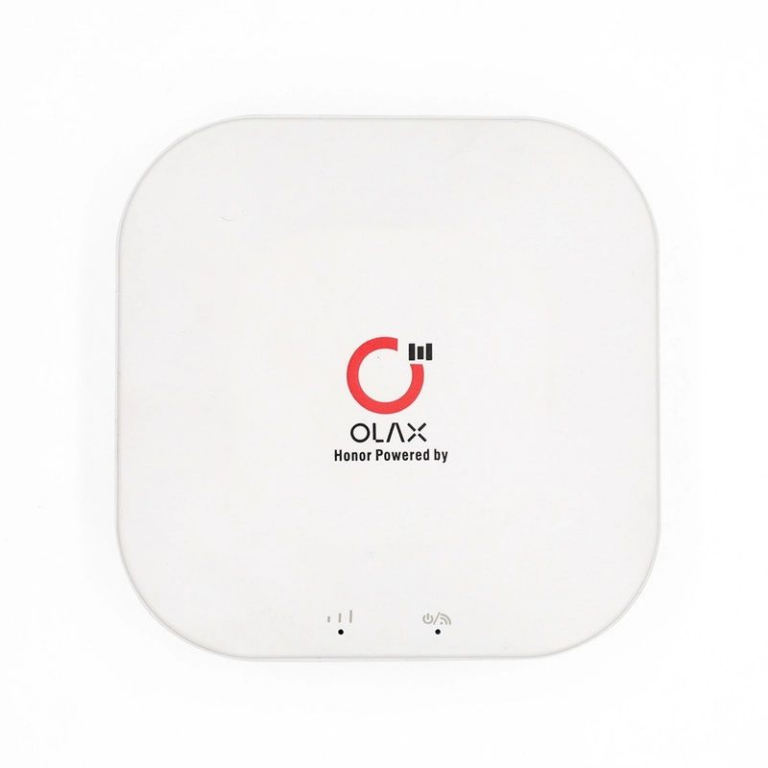
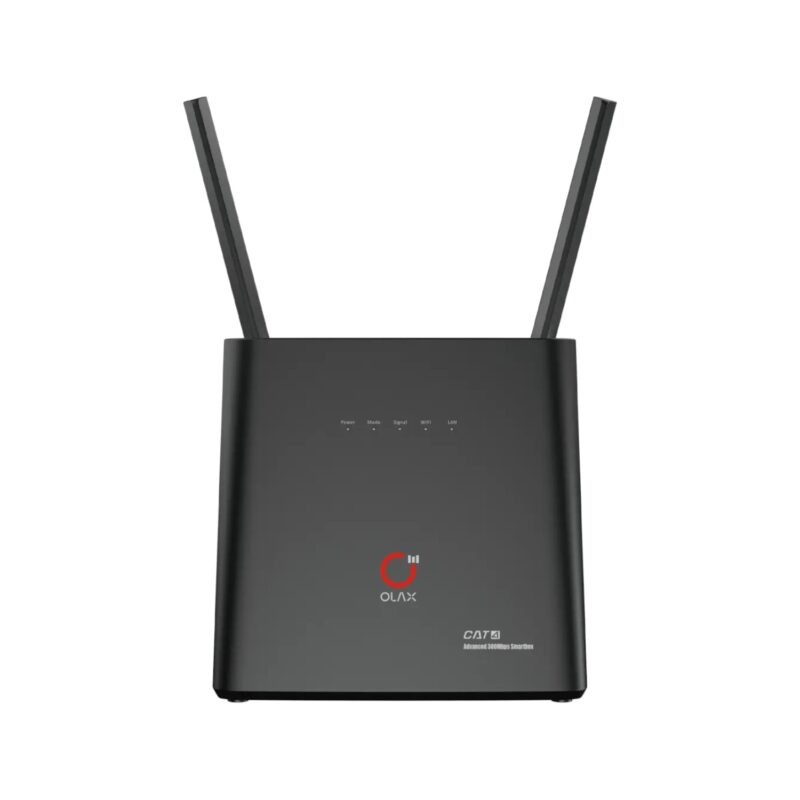
OLAX M100 WiFi 6 10000mah 5G Pocket Router
★ ফেইক অর্ডার প্রতিরোধ ও সঠিক সার্ভিস নিশ্চিত করতে আমরা শুধুমাত্র ডেলিভারি চার্জ অগ্রিম গ্রহণ করি। ঢাকার ভিতরে ৬০ টাকা এবং বাইরে ১০০ টাকা।
★ 01799-974343 (বিকাশ + নগদ) নাম্বারে ডেলিভারি চার্জ Send Money করে স্ক্রিনশট আমাদের WhatsApp অথবা Facebook Page-এ পাঠান। What's app :- 01799-974343



-

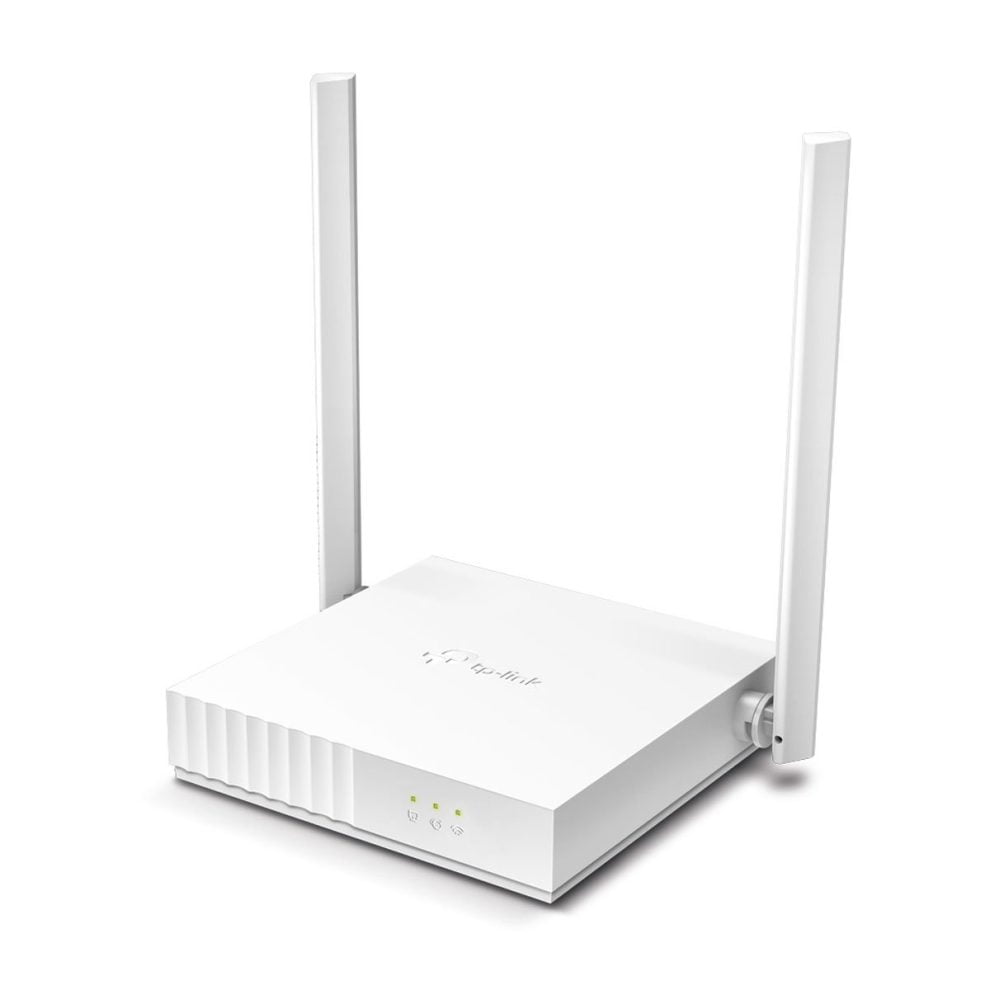
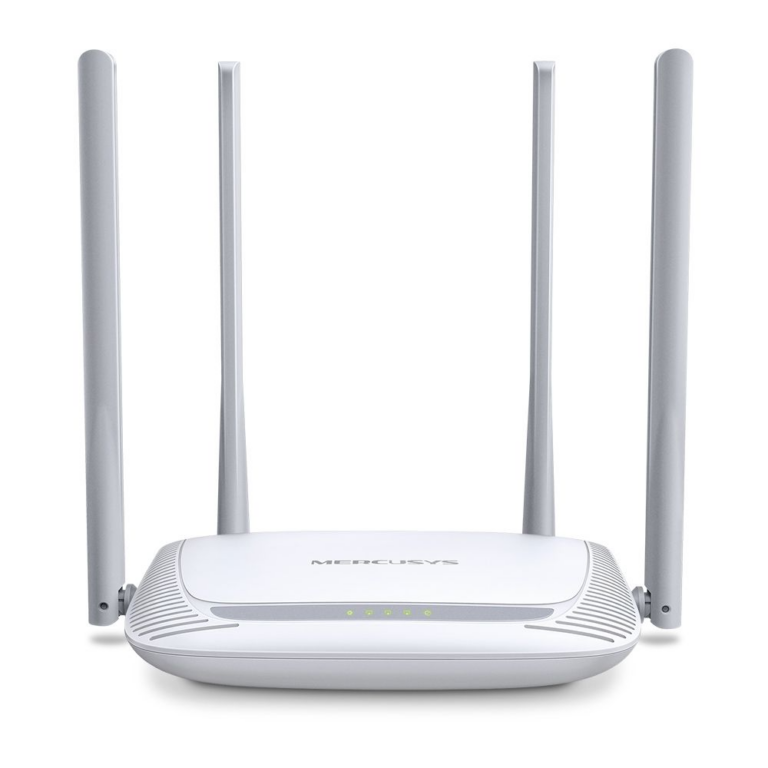
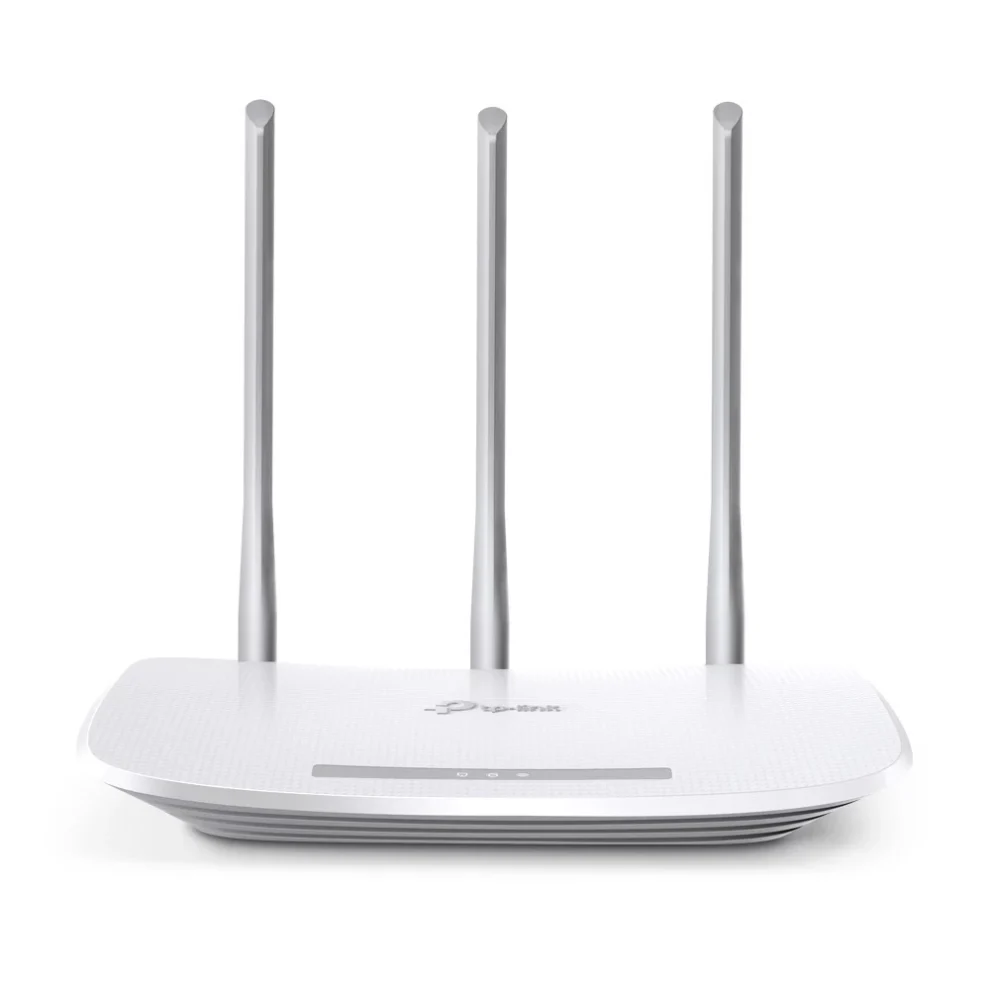
Mercusys MW325R 300Mbps Wireless Router
৳1,430.00
-
Kemei KM-2273 Professional Hair Clipper
৳1,300.00 -
Sonic X3 electric toothbrush
৳999.00 -
Ring Fill Light BD 460D 46cm
৳2,200.00 -
Nose hair trimmer
৳1,120.00



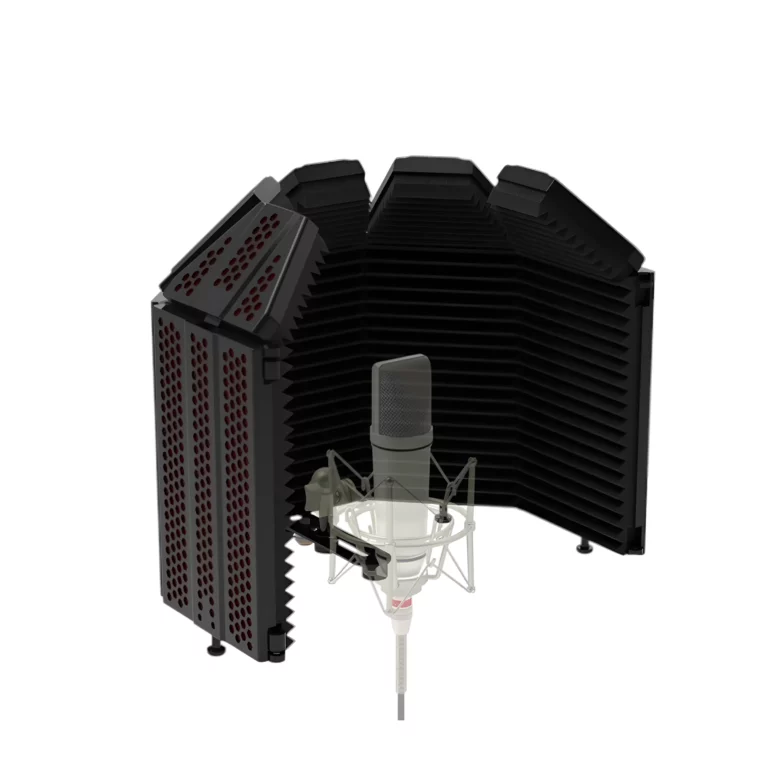
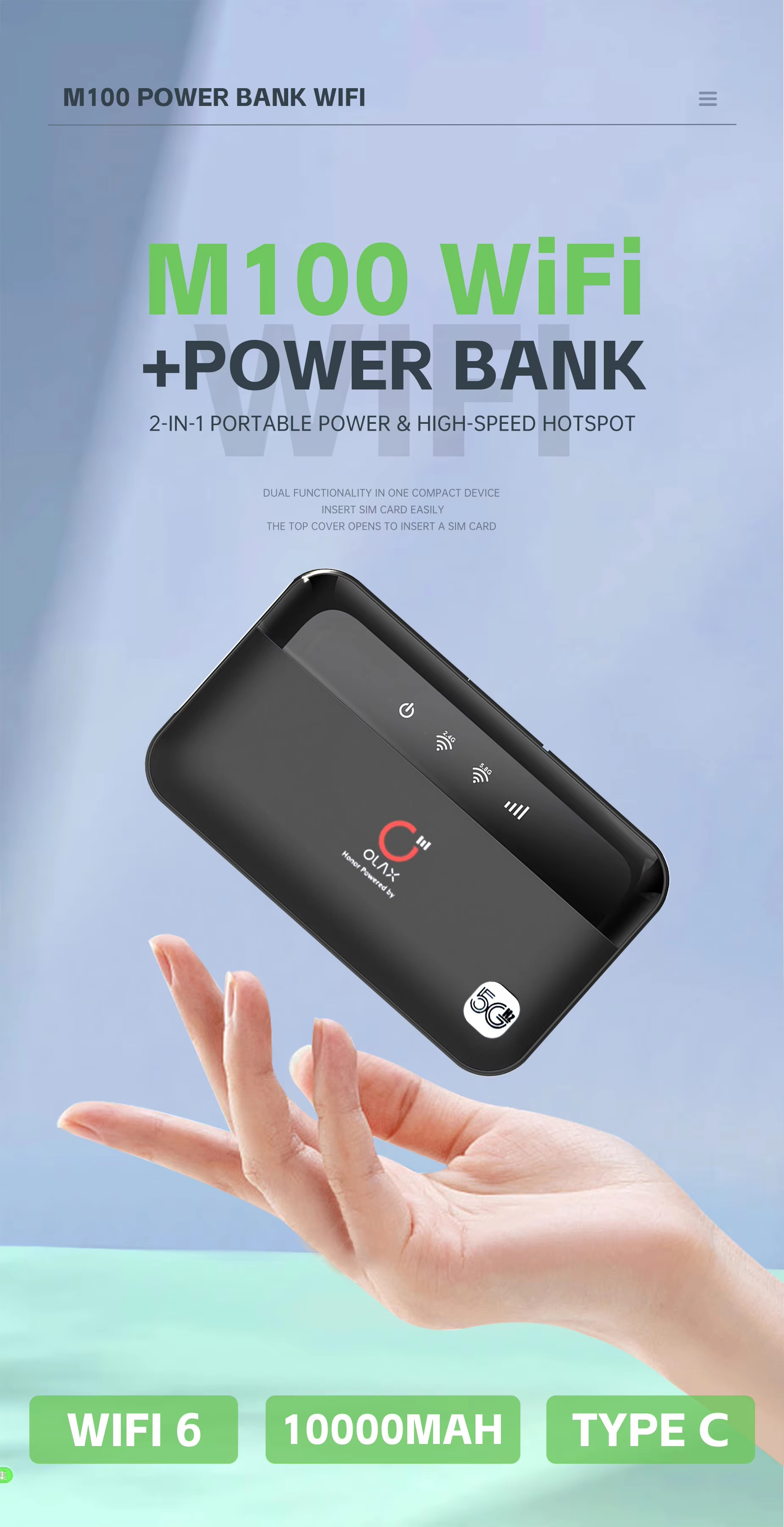
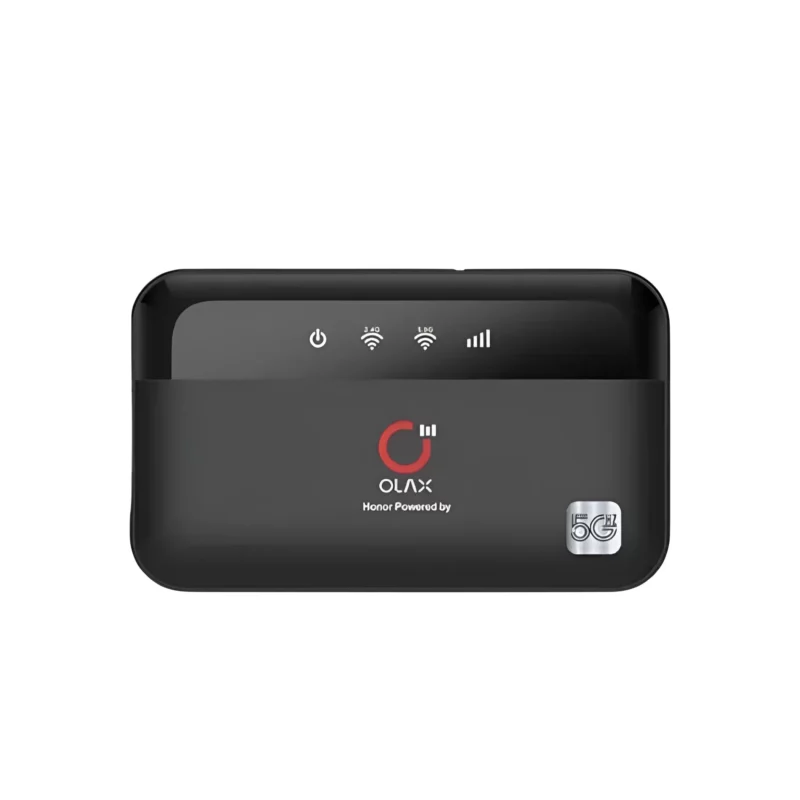
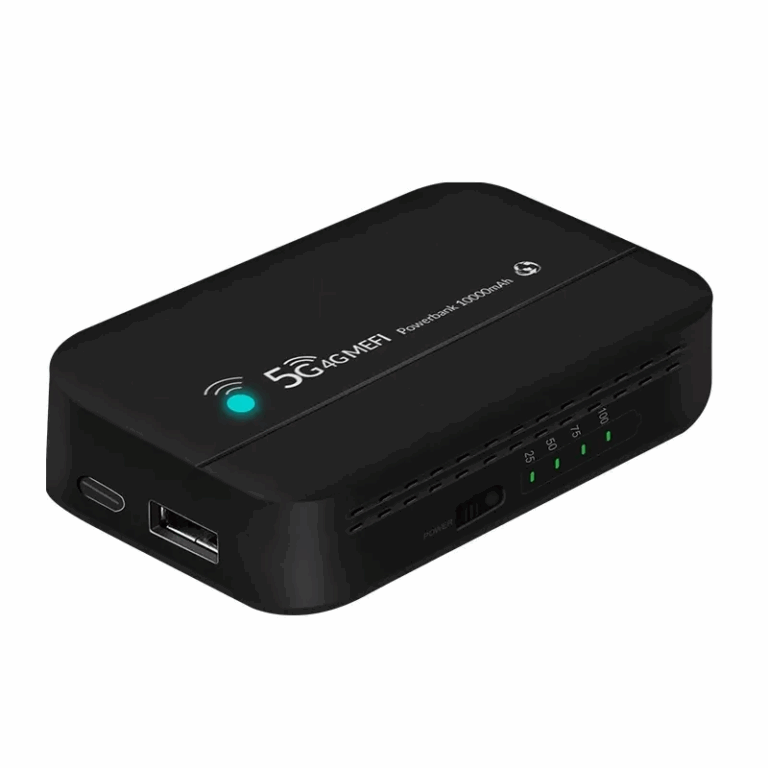
OLAX M100 WiFi 6 10000mah 5G Pocket Router in Bangladesh
Get The OLAX M100 WiFi 6 10000mah 5G Pocket Router in Bangladesh at koddax Enjoy top quality and unbeatable prices with the best customer service in Bangladesh
Key features :
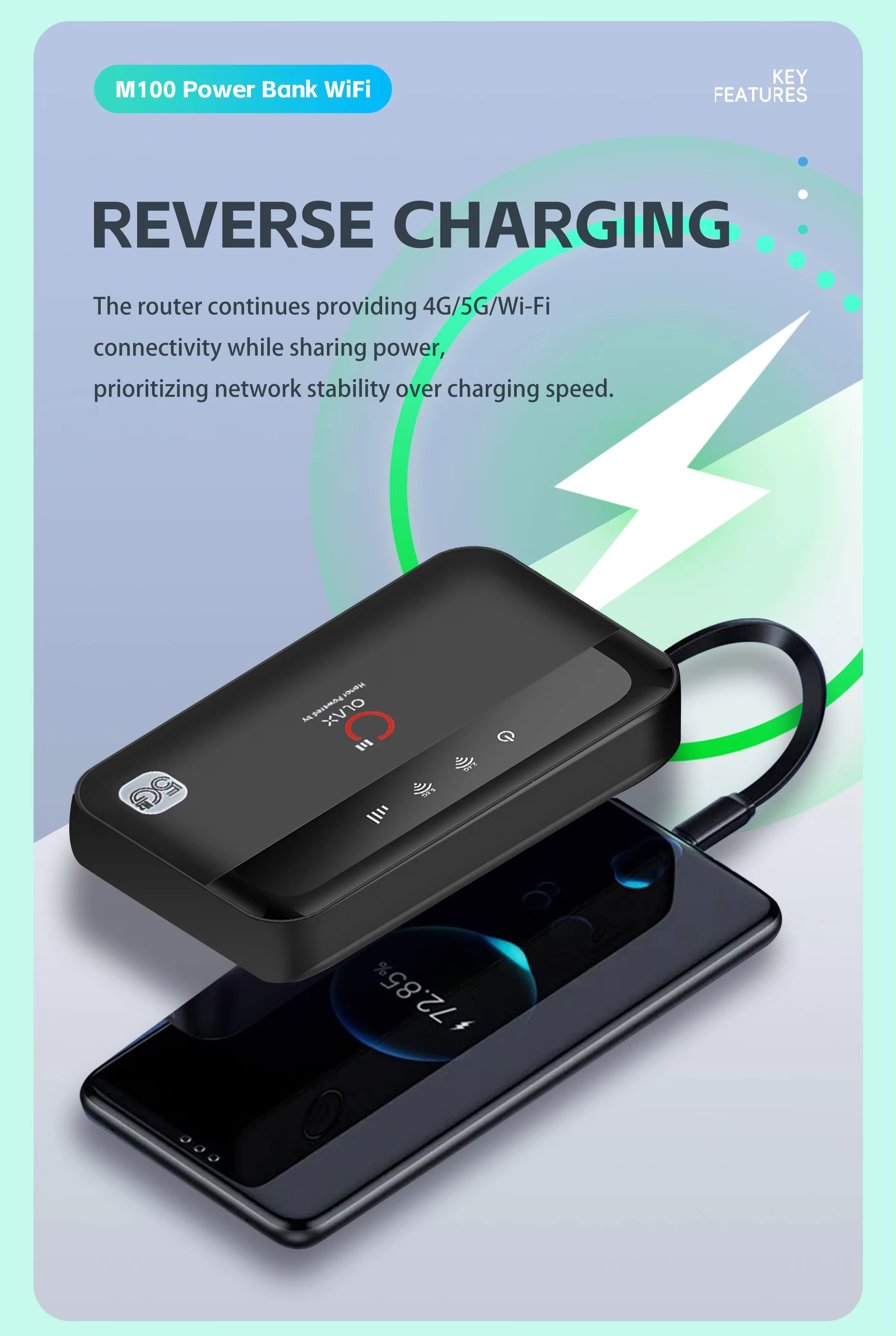
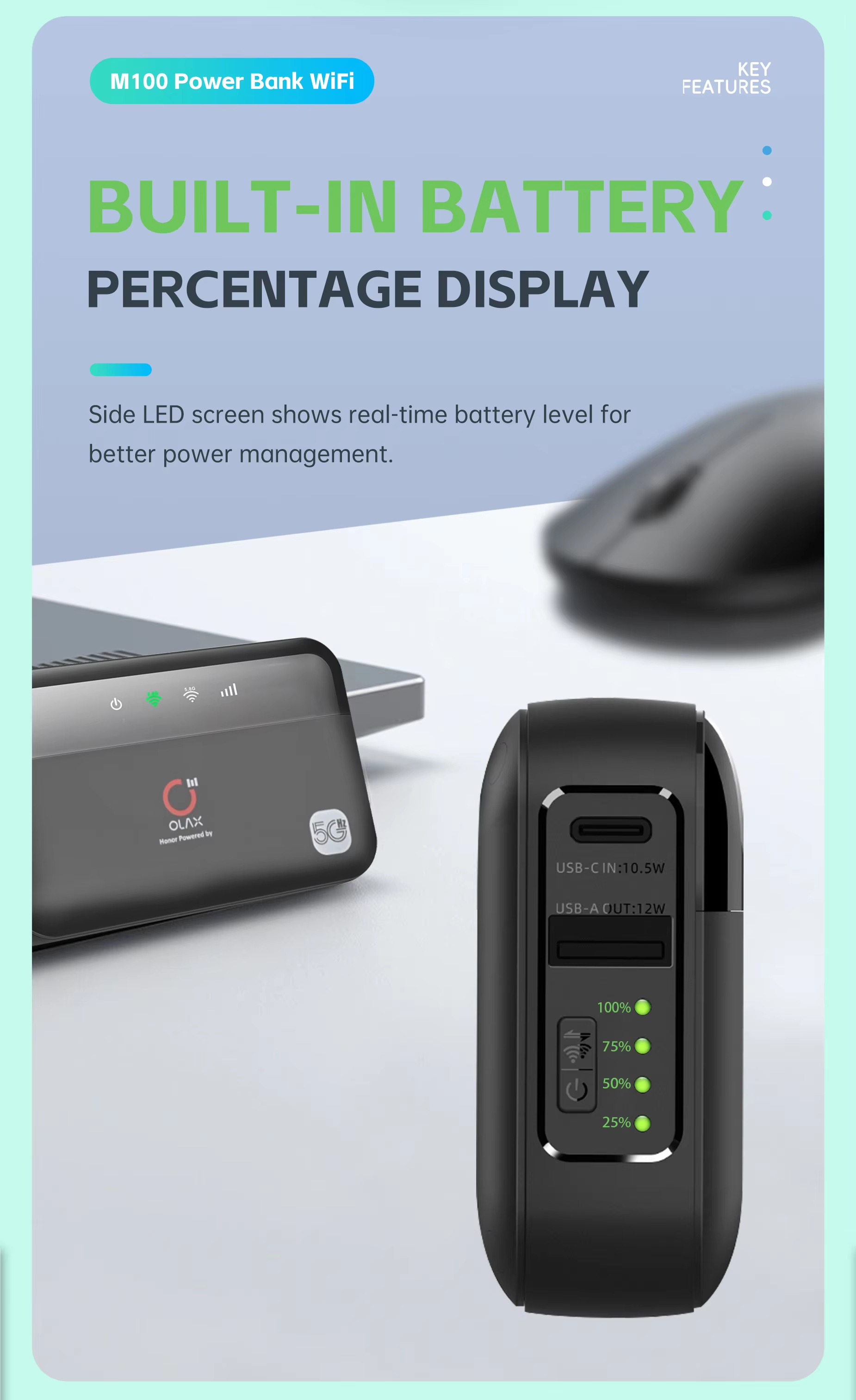
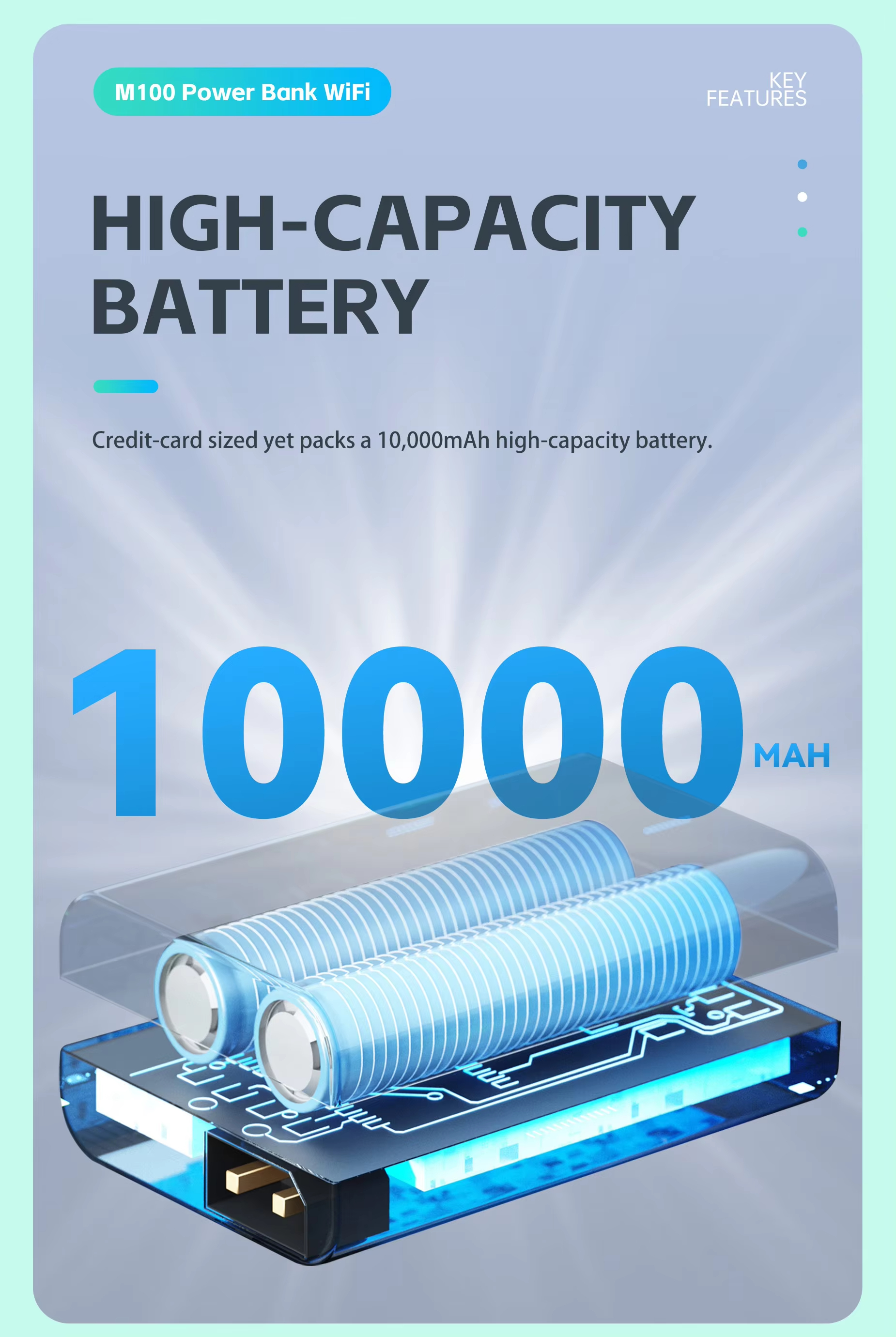
-Built-in power bank: With a massive 10,000 mAh battery, the M100 can provide power to other devices, such as your phone, when you’re on the go.
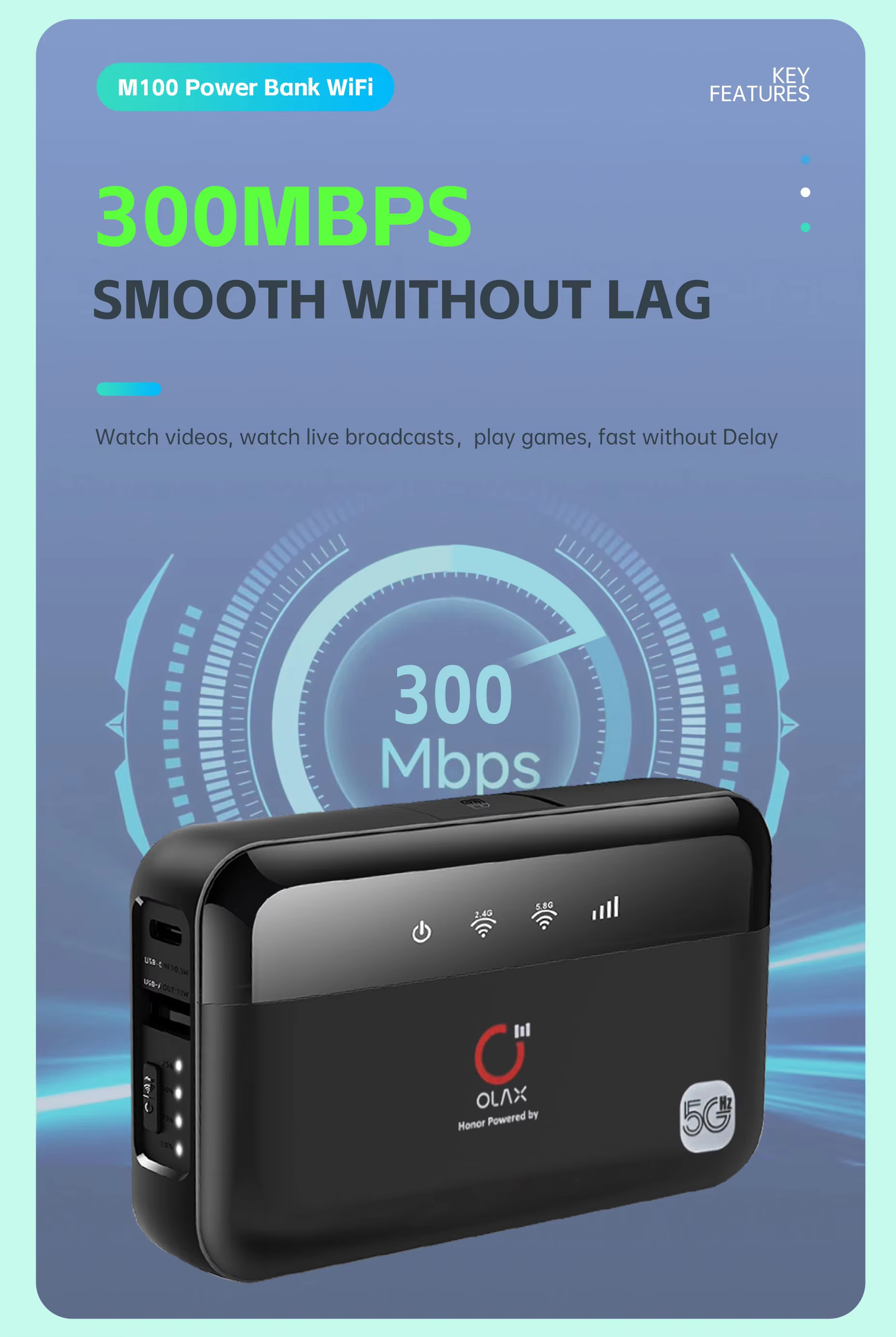
-Dual-band Wi-Fi: It supports both 2.4 GHz and 5.8 GHz Wi-Fi frequencies, which can help reduce interference and improve connection stability.
-Wi-Fi 6 standard: Newer models appear to support the WiFi 6 (802.11ax) standard for faster and more efficient wireless connectivity.
-High user capacity: The device supports up to 16 users simultaneously.
-Secure connectivity: This includes firewall and QoS (Quality of Service) functionality, utilizing various encryption types to establish a secure connection.
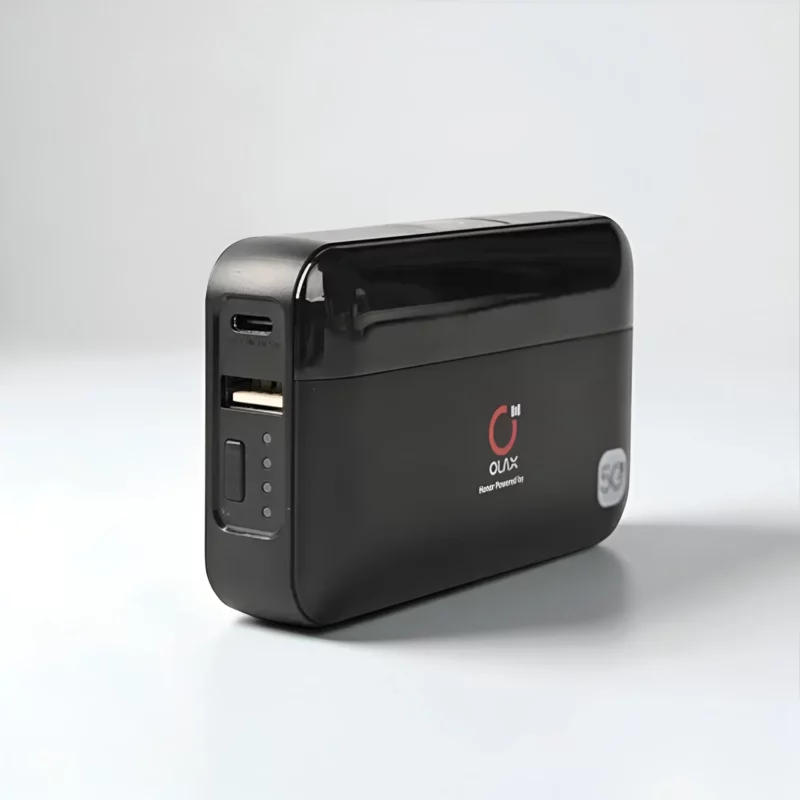
-Convenient charging: The M100 has a USB Type-C charging port.
How to use the Olax M100 :
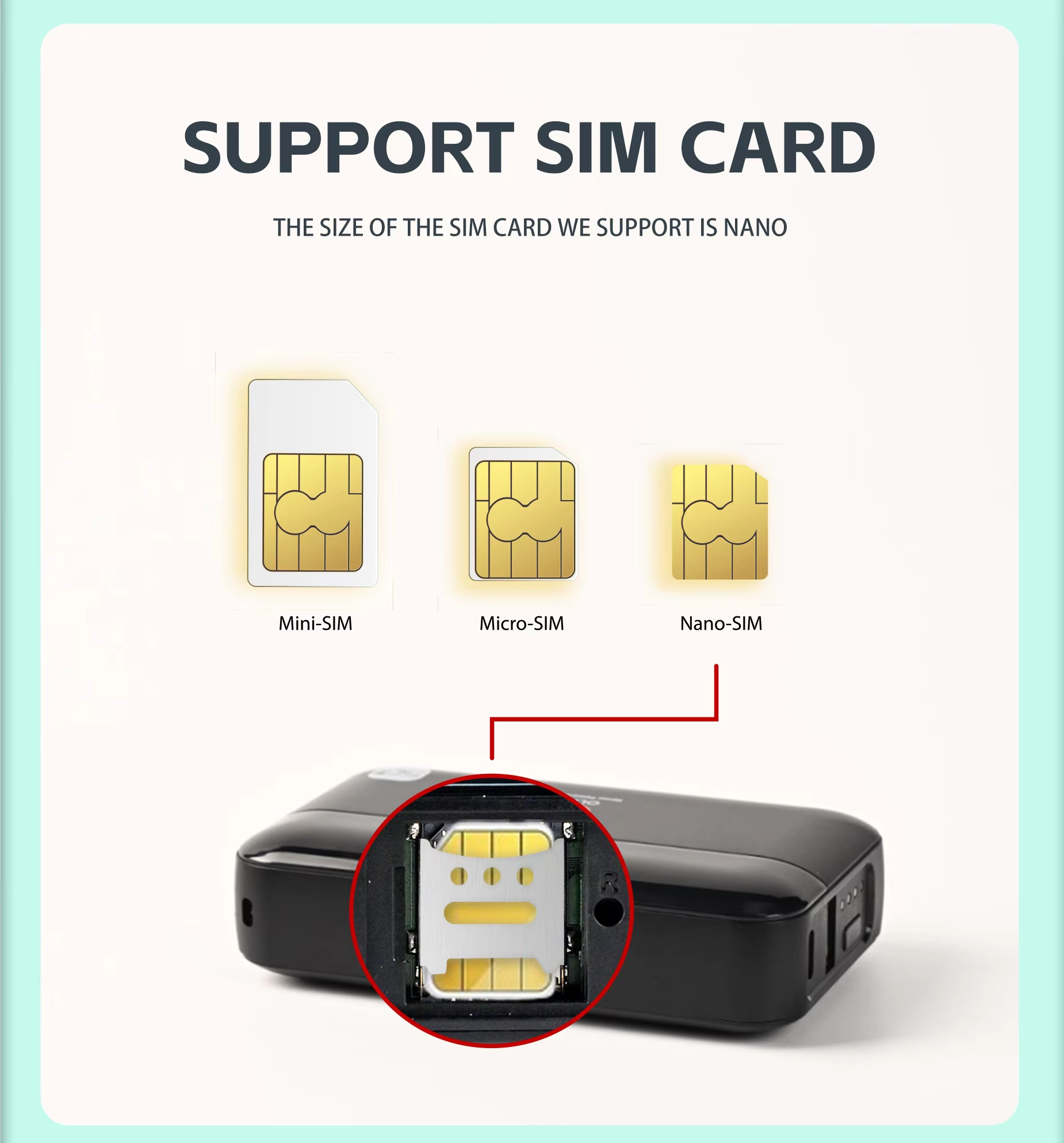
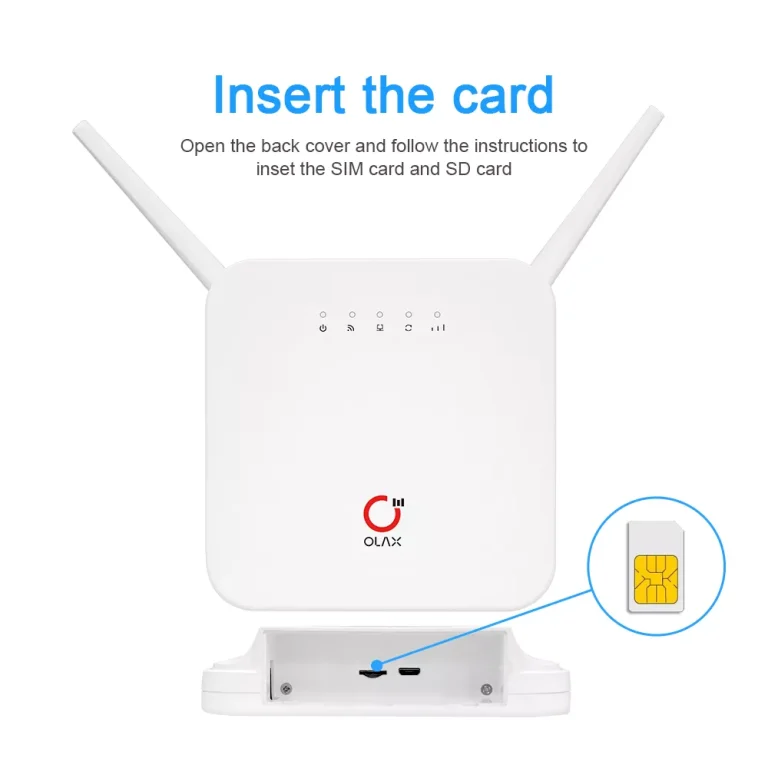
-Insert a SIM card: Open the back cover of the device and insert a standard SIM card from your cellular provider.
-Power on: Press and hold the power button for about three seconds to turn on the device.
-Find network details: The Wi-Fi name (SSID) and password are typically found on a label inside the device, usually near the battery.
-Connect devices: Search for the Wi-Fi network name from your computer, phone, or tablet and enter the password to connect.
-Manage settings: You can log in to the router’s settings using a web browser to configure the network, change the password, or adjust other parameters.
OLAX M100 WiFi 6 10000mah 5G Pocket Router in Bangladesh
Get The OLAX M100 WiFi 6 10000mah 5G Pocket Router in Bangladesh at koddax Enjoy top quality and unbeatable prices with the best customer service in Bangladesh
Key features :
-Built-in power bank: With a massive 10,000 mAh battery, the M100 can provide power to other devices, such as your phone, when you’re on the go.
-Dual-band Wi-Fi: It supports both 2.4 GHz and 5.8 GHz Wi-Fi frequencies, which can help reduce interference and improve connection stability.
-Wi-Fi 6 standard: Newer models appear to support the WiFi 6 (802.11ax) standard for faster and more efficient wireless connectivity.
-High user capacity: The device supports up to 16 users simultaneously.
-Secure connectivity: This includes firewall and QoS (Quality of Service) functionality, utilizing various encryption types to establish a secure connection.
-Convenient charging: The M100 has a USB Type-C charging port.
How to use the Olax M100 :
-Insert a SIM card: Open the back cover of the device and insert a standard SIM card from your cellular provider.
-Power on: Press and hold the power button for about three seconds to turn on the device.
-Find network details: The Wi-Fi name (SSID) and password are typically found on a label inside the device, usually near the battery.
-Connect devices: Search for the Wi-Fi network name from your computer, phone, or tablet and enter the password to connect.
-Manage settings: You can log in to the router’s settings using a web browser to configure the network, change the password, or adjust other parameters.
Top Selling Products
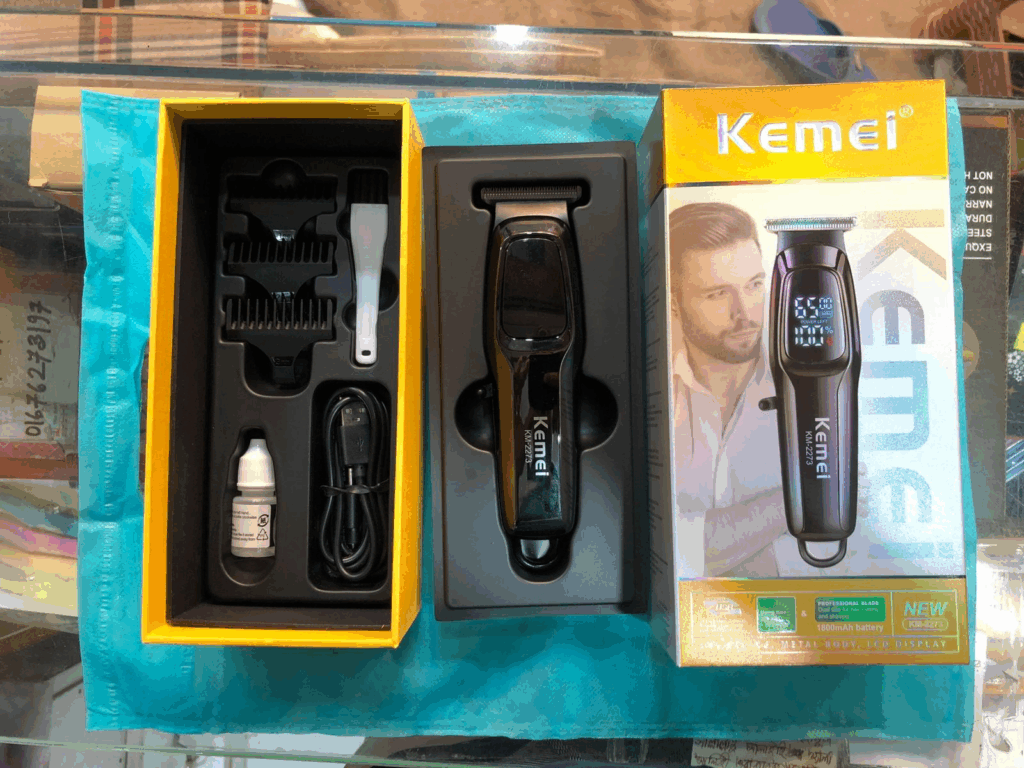
Kemei KM-2273 Professional Hair Clipper
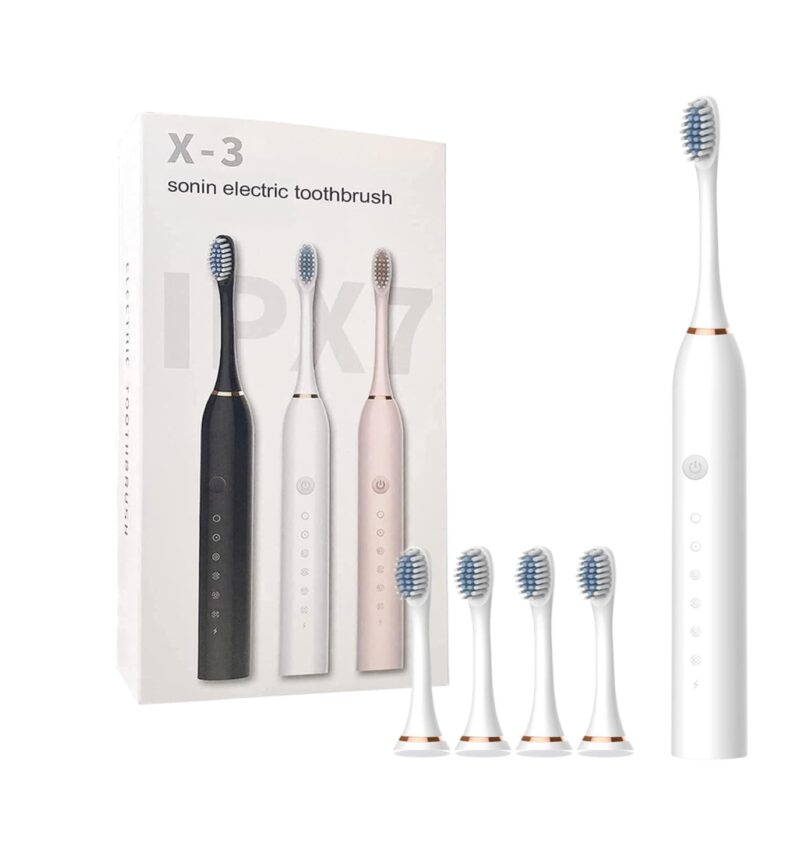
Sonic X3 electric toothbrush
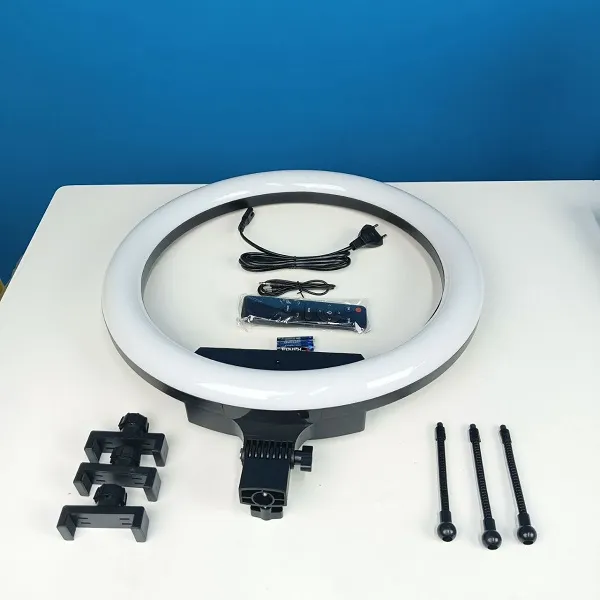
Ring Fill Light BD 460D 46cm
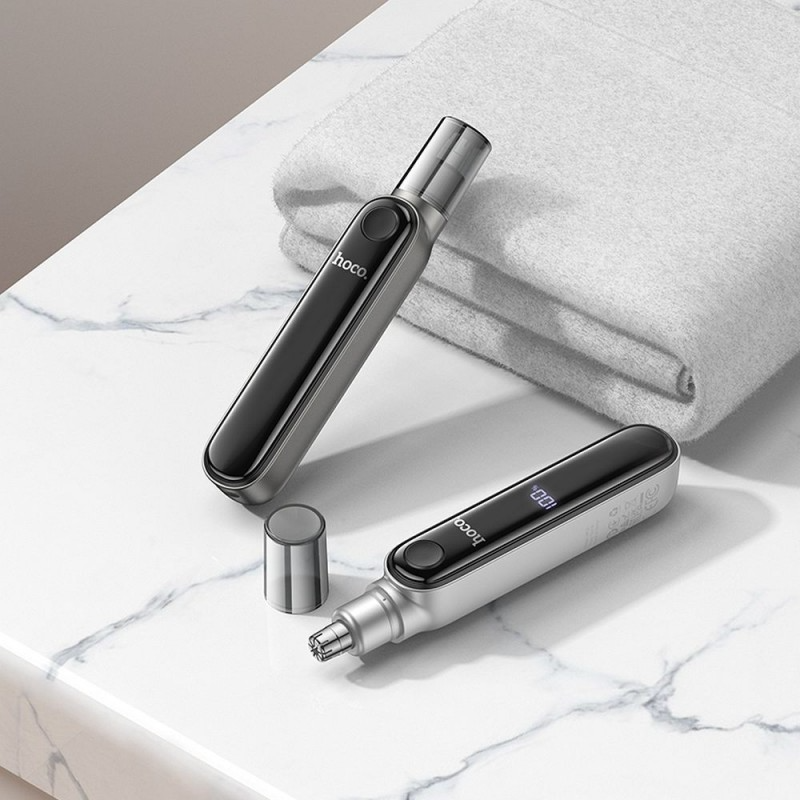
Nose hair trimmer
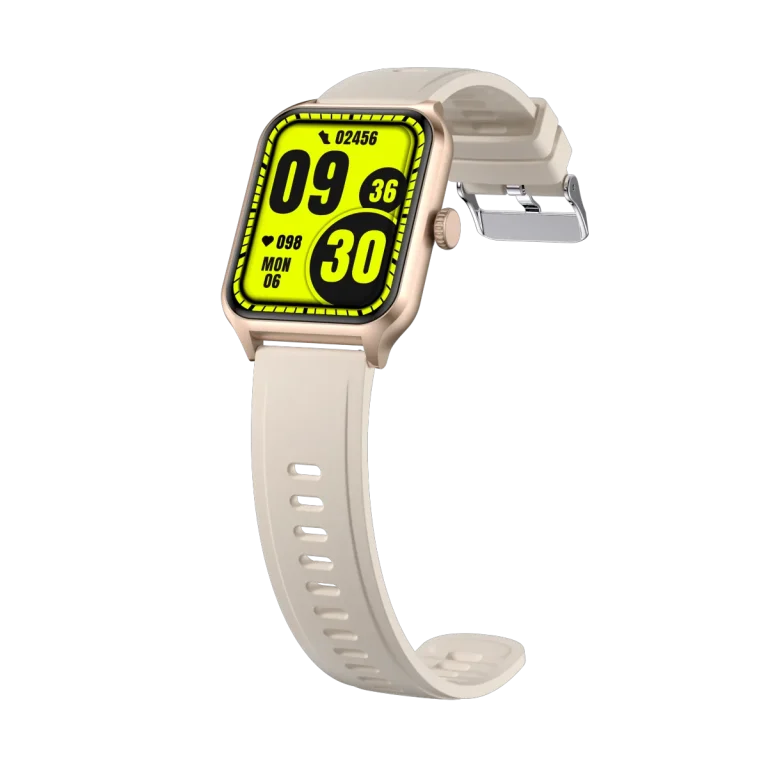
T97 Bluetooth Calling Smartwatch

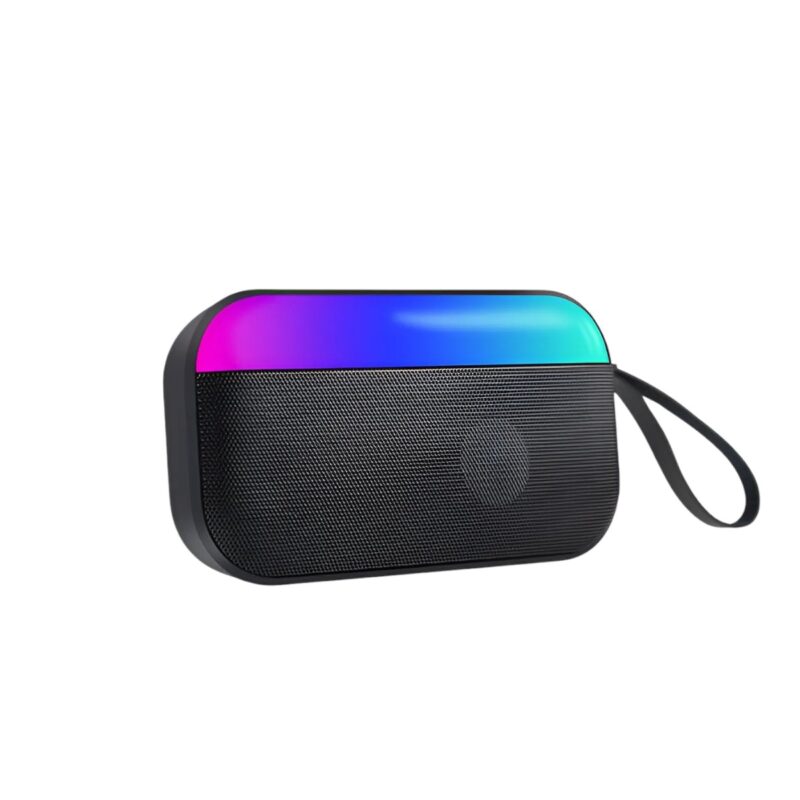
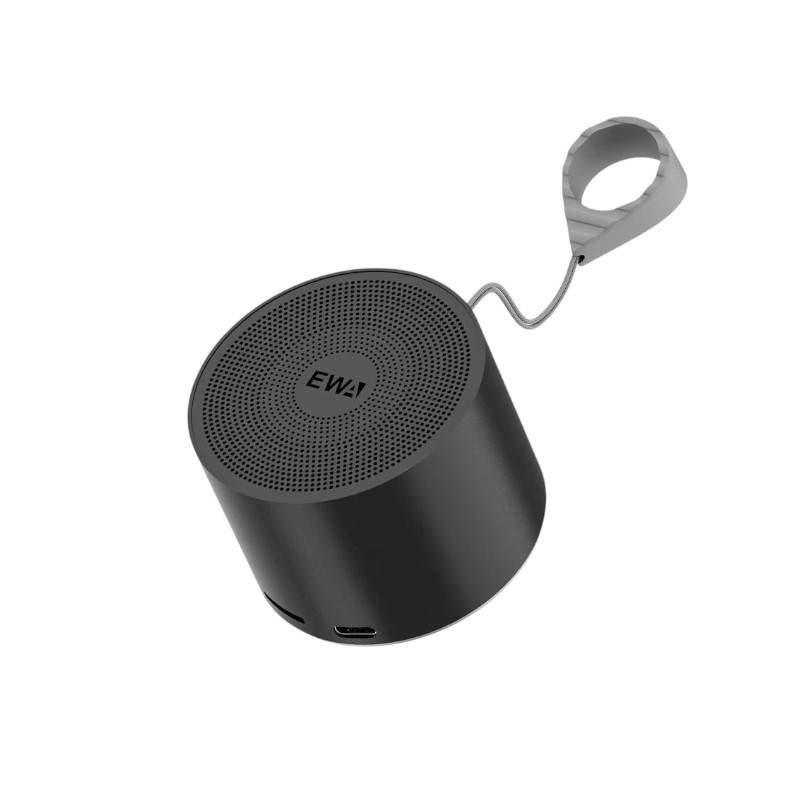
EWA A129 Metal Mini Bluetooth Speaker


Official owner of sub-brands GadgetsQ and ANxshop.



Contact Info
- Address: Dhaka, Badda north
- Phone: 01333-068663 What's App: 01799-974343
- Email: support@koddax.com
My Account
Be A Seller
Apply Now
Official owner of sub-brands GadgetsQ and ANxshop.
Contact Info
- Address: Dhaka, Badda north
- Phone: 01333-068663 What's App: 01799-974343
- Email: support@koddax.com